
This article walks through posting on Facebook with your Business Profile, then switching profiles to comment and pin the link. This is a workaround if your Facebook has an issue with using a Facebook share tool like BarnDealer uses.
- Create a Facebook post like normal using your Business Profile.
- Switch to your Personal Profile, and find the post by searching for your Business Page and the post.
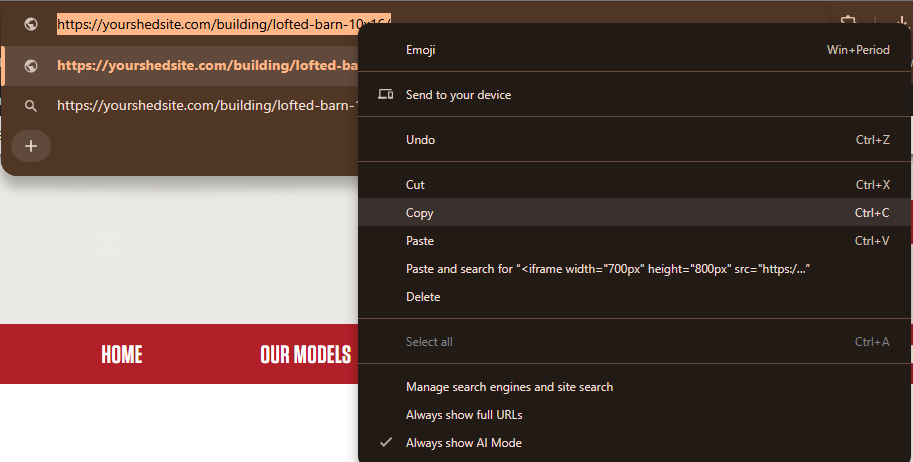
- On your website, go to the building you want to share. Make sure you are on the side of the website that the customer sees. Copy the entire website address, or URL.
- Go back to Facebook, and make sure you are logged in as your Personal Profile. Comment on the post and paste the website address, or URL.
- Switch back to your Business Profile, find the post, and pin the comment that contains the link to your website.